12 Top Dynamic QR Code Generators for Businesses in 2026
Quick answer: A dynamic QR code generator creates codes whose destination you can change after printing, and it records every scan. Static codes can do neither. For business use the questions that matter are what happens to your printed codes if you stop paying, whether scans are capped, and whether the analytics tell you anything useful.
Most comparison articles about the best dynamic QR code generator list the same features and skip the one that costs real money: expiry. Cancel a subscription with several platforms and your printed codes stop resolving. The menus, packaging and signage you already paid to print become dead ends. This guide compares the main options on that basis first.
Disclosure: we co-founded IMQRScan, one of the tools mentioned below. We have tried to review it the same way we review the others, and we say plainly where it is not the right pick.
Key takeaways
- Dynamic codes are editable and trackable. Static codes are permanent and free, and perfectly fine for a Wi-Fi password.
- Paid dynamic plans commonly start around $5 to $15 a month, with enterprise tiers running into the hundreds.
- Most platforms deactivate dynamic codes when you cancel, which matters more than any feature comparison.
- Free dynamic tiers exist but usually cap the number of codes rather than the scans.
- Check scan limits, code caps and cancellation policy on the vendor's own pricing page before printing anything.
What is a dynamic QR code generator?
A dynamic QR code generator produces a code that points to a short redirect URL owned by the platform, which then forwards the scanner to your real destination. Because the code encodes the redirect rather than the destination, you can change where it leads at any time, and the platform can count each scan along the way.
A static code encodes the destination directly in the pattern. It never expires, never costs anything, and can never be changed or measured. Both are useful. Choosing wrongly is expensive only in one direction: a static code printed on 5,000 boxes with the wrong URL is a reprint.
Static versus dynamic, in plain terms
| Static QR code | Dynamic QR code | |
|---|---|---|
| Editable after printing | No | Yes |
| Scan tracking | None | Scans, time, location, device |
| Ongoing cost | None | Usually a subscription |
| Works forever | Yes | Only while the account is active |
| Pattern density | Denser with long URLs | Simpler, since the URL is short |
| Best for | Wi-Fi, vCards, one-off links | Campaigns, packaging, menus, signage |
What to look for in a dynamic QR code generator
- Cancellation policy. Ask directly: if I stop paying, do my printed codes keep working? Get the answer before you print.
- Scan limits. Some plans cap monthly scans. A successful campaign should not break your codes.
- Code caps. Cheap tiers often allow only a handful of dynamic codes.
- Analytics depth. Total scans is a vanity number. Scans by day, location, device and code are what inform decisions.
- Design control. Logo, colours, frames and a call to action. A code with "Scan me" gets scanned noticeably more often.
- Export quality. SVG or EPS for print. A PNG stretched onto packaging will fail to scan.
- Bulk and API. Necessary the moment you need codes per product, per table or per location.
- Data ownership. Can you export scan data, and what happens to it if you leave?
Top 12 dynamic QR code generators compared
Published pricing across review sites varied during 2026, and vendors change tiers often, so treat the figures below as a starting point and confirm on the vendor's own pricing page.
| Tool | Entry pricing, as published in 2026 | Strongest at | Watch out for |
|---|---|---|---|
| Uniqode, formerly Beaconstac | From roughly $9 to $15 a month, enterprise tiers far higher | Enterprise features, integrations, compliance | No free dynamic tier, and codes stop on cancellation |
| QR Code Generator PRO, by Bitly | Roughly $10 to $47 a month, usually billed annually | Polished interface, many code types, templates | Annual billing, and price rises quickly by tier |
| Bitly | From around $10 a month | Teams already managing short links | QR features sit inside a link platform |
| QR Tiger | From around $7 a month | Bulk generation and design options | Feature gating across tiers |
| Flowcode | A small free tier, paid from around $7 | Consumer brand design quality | Higher tiers get expensive |
| The QR Code Generator | Free tier with a couple of permanent dynamic codes | Trying dynamic codes without a card | Very low code cap |
| IMQRScan | Free tier, low-cost paid plans | Small businesses wanting editable codes and simple analytics | Fewer enterprise integrations than Uniqode or Bitly |
| QRCode Monkey | Free | Attractive static codes with a logo | Static only, so no editing or tracking |
| Canva | Included with Canva | Dropping a code into an existing design | Static, with minimal control |
| Scanova | Mid-range monthly pricing | Packaging and print workflows | Interface is dated compared with rivals |
| Rebrandly | Free tier, paid from around $13 a month | Branded short links with a matching code | Link management first, QR features second |
| Adobe Express | Free | Quick codes inside an existing design workflow | Static only, with no tracking |
Which one to pick, by situation
- A restaurant with one menu. Any free or low-cost dynamic tier. You need one code and the ability to swap the PDF.
- A small business testing codes. A free dynamic tier with permanent codes, so nothing breaks if you stop.
- A marketing team running campaigns. A paid plan with per-code analytics and bulk creation.
- Packaging at scale. An enterprise platform with an API, an SLA and a contract. The redirect must not go down.
- A one-time event. A static code, free, that cannot expire on you a year later.
- An agency managing clients. A platform with sub-accounts and exportable reporting.
The expiry trap nobody mentions in the pitch
This is the single most expensive mistake in the category. A business prints 10,000 flyers with a dynamic code, the campaign ends, someone cancels the subscription to save $12 a month, and every remaining flyer now leads to an error page or a vendor upsell screen.
Three ways to avoid it. Pick a platform whose free tier keeps existing codes alive permanently. Or treat the subscription as a permanent cost of anything you print, the same way you treat a domain renewal. Or point the dynamic code at a URL on your own domain, then handle the redirect yourself, which keeps control entirely with you at the cost of a little setup.
What good scan analytics look like
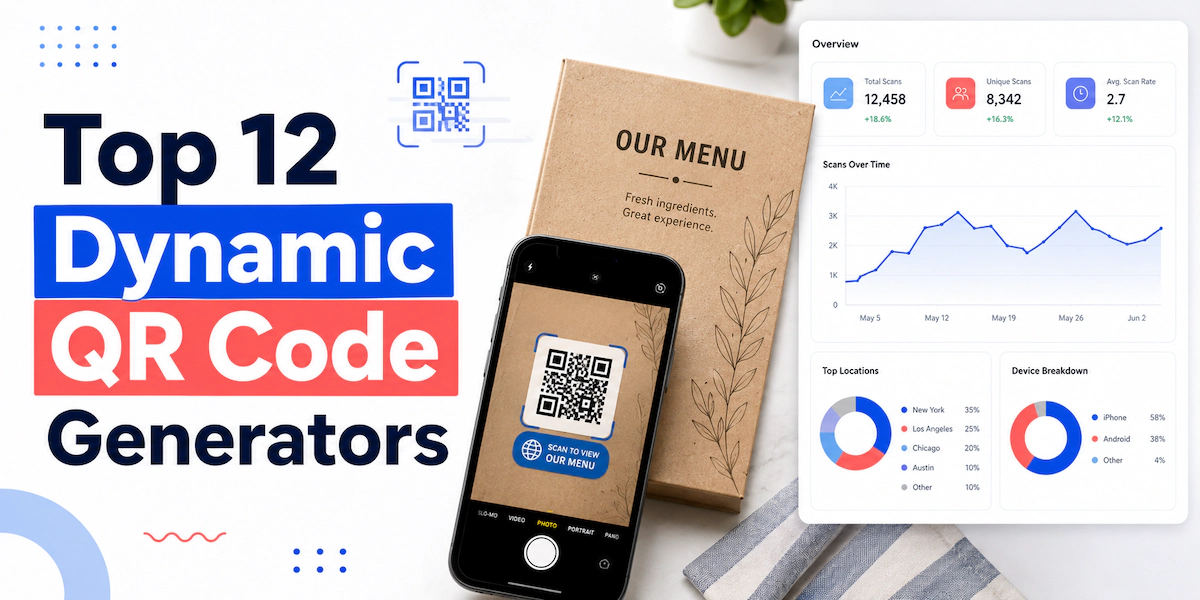
Total scans tells you nothing on its own. Useful reporting answers four questions: when do people scan, where are they, on what device, and which placement produced the scan. That last one requires a separate code per placement, which is why bulk creation matters even for small campaigns.
A restaurant running one code per table learns which sections order most from mobile. A brand running one per packaging batch learns which retailer sells through fastest. One shared code across everything tells you only that codes exist.
Design rules that keep codes scannable
- Keep contrast high. Dark code on a light background, never the reverse.
- Leave the quiet zone, the clear margin around the pattern, untouched.
- Print at 2cm or larger for handheld distance, much larger for signage.
- Export vector files for print. Raster images blur at size.
- Keep logos small and centred so error correction can compensate.
- Add a short instruction. "Scan for the menu" beats a bare square.
- Test on both an old Android phone and a recent iPhone before printing.
A real example from our own product
Building IMQRScan taught us which features people actually use, and it is a shorter list than any pricing page suggests. The two that come up constantly are editing a destination after printing, usually because a campaign page moved, and seeing scans by day so a business can tell whether the printed piece did anything at all.
Everything else, the vCards, the app store routers, the fifteen code types, gets used rarely. So when comparing tools, weigh those two capabilities heavily and treat long feature lists as noise. If you want the deeper functional breakdown, we maintain one on the product site at best dynamic QR code generator, and the wider marketing context sits across the guides here on TechHubsMedia.
Frequently asked questions
What is a dynamic QR code generator?
A tool that creates QR codes pointing to an editable redirect, so you can change the destination after printing and track every scan by time, place and device.
Do dynamic QR codes expire?
The code itself does not, but most platforms disable the redirect when a subscription ends. Always confirm the cancellation policy before printing anything.
Are free dynamic QR code generators safe to use?
Some are, when the free tier keeps codes permanently. Avoid trial-based free plans for printed materials, because the codes stop working when the trial ends.
How much do dynamic QR codes cost?
Entry plans commonly run about $5 to $15 a month in 2026, with enterprise tiers reaching several hundred. Prices shift often, so check the vendor page.
Can I change where a QR code points after printing?
Yes, with a dynamic code. That is its main advantage. A static code encodes the destination permanently and cannot be redirected later.
Do QR codes work without an app?
Yes. Modern iPhone and Android cameras scan codes natively, which is why scan volumes have climbed steadily since contactless menus became common.
What size should a printed QR code be?
At least 2cm square for handheld reading, and roughly one tenth of the scanning distance for signage. Always test the final printed piece.
Can a QR code be tracked to a person?
No. Platforms record aggregate data such as time, approximate location and device type, not individual identity, unless the landing page itself collects it.
What is the best QR code generator for small business?
One with permanent free or low-cost dynamic codes, simple scan analytics and vector export. Enterprise integrations rarely justify their cost at that size.
Should I use a static or dynamic code?
Static for permanent information such as Wi-Fi details. Dynamic for anything printed in volume, anything time-limited, and anything you want to measure.
Conclusion
Pick a dynamic QR code generator by asking two questions before you compare features. What happens to my printed codes if I stop paying, and can I tell which placement produced which scans? Answer those and the shortlist usually narrows to two or three tools, at which point price differences of a few dollars a month stop mattering.